10 best Dripify alternatives to fill your pipeline in 2026
Romàn
Quiz · 60 seconds
Which Dripify alternative fits your problem?
3 questions to find out what is really blocking your outbound. No email required.
Question 1 / 3
Why are you looking at alternatives?
Question 2 / 3
Where does this week's list come from?
Question 3 / 3
What would change your month the most?
🎯
Your result
Your problem sits before the send button
Your answers point at the list and the timing, not at the automation. Changing tool moves the same names into a different dashboard. Gojiberry works out who is worth writing to, from more than 30 buying signals checked against your ICP, and you keep whatever you send with.
- More than 30 buying signals watched across socials and the web
- Every account checked against your ICP before it reaches you
- Email waterfall enrichment across 15+ providers
- Sits next to Dripify, or next to whatever replaces it
🛡️
Your result
Account safety is your constraint, so look at Expandi
You have the names and you want the sending to survive the quarter. That is the one case where swapping automation tool is the right answer, and Expandi is the name that comes up most often here, with cloud infrastructure and a dedicated IP per account.
- Fix the safety question first, since that is the part you can measure
- When the list becomes the ceiling, that is the layer we add on top
🏢
Your result
You are paying per person, and that is the thing to fix first
Seats billed one by one are what turns a small sticker price into a real invoice when you run several accounts. HeyReach bills per sender account rather than per person, with rotation and one shared inbox, which removes that line for agencies.
- Move the seat billing problem out of the way first
- Then the question becomes where each client's next 300 names come from
Dripify is a cloud tool that runs LinkedIn drip campaigns for you, from $39 per user per month on annual billing, or $59 if you pay month to month. The catch arrives early: the Basic plan caps you at a single campaign and blocks the integrations, so almost everyone moves up a tier within a fortnight, and the meter runs per user, per LinkedIn account.
This page gives you ten alternatives, what each one costs in August 2026, and which one matches which bottleneck, because the reason you are leaving decides where you should go. And there is one bottleneck none of them touch: every tool here automates the sending, not one of them tells you who is worth writing to this week.
Gojiberry finds your prospects for you
Every tool on this list automates the sending. Gojiberry works out who is worth writing to this week, from more than 30 buying signals.
Get your first leads for freeTable of contents
- The 10 best Dripify alternatives
- How we tested the 10 tools
- The 10 alternatives to Dripify in details
- What is Dripify?
- Why do people look for a Dripify alternative?
- Which Dripify alternative is right for you?
- Your questions about Dripify alternatives
- Gojiberry vs Dripify: which one brings you leads?
- Why we built Gojiberry
The 10 best Dripify alternatives
Pick by bottleneck, not by category. If the automation itself is what is failing you, the price, the account safety or the seat count, nine of the tools below fix that and we say which one fixes what. Gojiberry is the tenth, and it is the one we would start with, because for a team of two to ten the ceiling is almost never the sending. It is the list. Gojiberry is the only tool here that decides who is worth writing to.
How to read this table. Every price above was taken from the vendor's own public pricing page in August 2026, at the monthly rate unless stated. Most of these bill per seat, per user or per connected account, so the number in the third column is what one person pays. Do the multiplication for your own team size before you compare anything, because that is where a $79 line becomes a $395 line.
How we tested the 10 tools
Three things went into this page. We opened each vendor's own pricing page in August 2026 and took every number from there, because comparison articles on this query still quote plan names that were retired two years ago and discounts that expired with them. We went through each grid tier by tier, writing down the monthly price, the annual price and what the meter runs on. And we read what each vendor puts in writing about seats, client accounts and add-ons, since that is where a bill moves after month two.
What the meter runs on matters more than the sticker. Dripify, Expandi, Skylead and MeetAlfred meter per user or per connected account. HeyReach meters per sender. Lemlist meters per workspace on its email plan and per user on multichannel. PhantomBuster meters on execution hours, Linked Helper on licences you buy for a fixed term. Two tools with the same headline number can be four times apart at five people, and most comparison pages skip that quietly.
One thing you will not find here: a scorecard of measured reply rates across ten parallel campaigns. We have not run that test on an identical list, and an invented percentage would be worth less than this sentence admitting it. So there are no benchmarks we cannot source, no scores out of ten, and where the only honest answer is that it depends on your account and your copy, we say that instead. Gojiberry is our own product and it gets one section like everyone else, plus a comparison near the end where we say what it replaces and what it does not. We pay for the tools we write about, no vendor read a word of this before publication, and our customer results are published case by case.
The 10 alternatives to Dripify in details
In order, with the problem each one solves. The first entry is ours, and we tell you plainly what it does not do.
1. Gojiberry
Gojiberry does not send blind. It works out who you should be writing to, then hands you those people with the reason attached. It watches more than 30 buying signals across socials and the web, job changes, funding, hiring, competitor engagement, checks each account against your ICP, and enriches the contact through a waterfall of 15+ providers.
- 📡More than 30 buying signals, monitored continuously rather than pulled from a static export
- 🎯ICP filtering before an account ever reaches you
- 📧Email waterfall enrichment across 15+ providers
- 🔄Sits alongside the tool you already send with, including Dripify
Price. Free plan to start, Pro at $99 a month. Flat, not per user, so three people cost what one costs.
Strength. It answers the question none of the other nine answer: who is worth writing to this week, and why now.
Limit. On pure LinkedIn automation, several tools on this list do it better than we do, and it is not close. Expandi, HeyReach and Skylead are built for that job. We are not.
2. Waalaxy
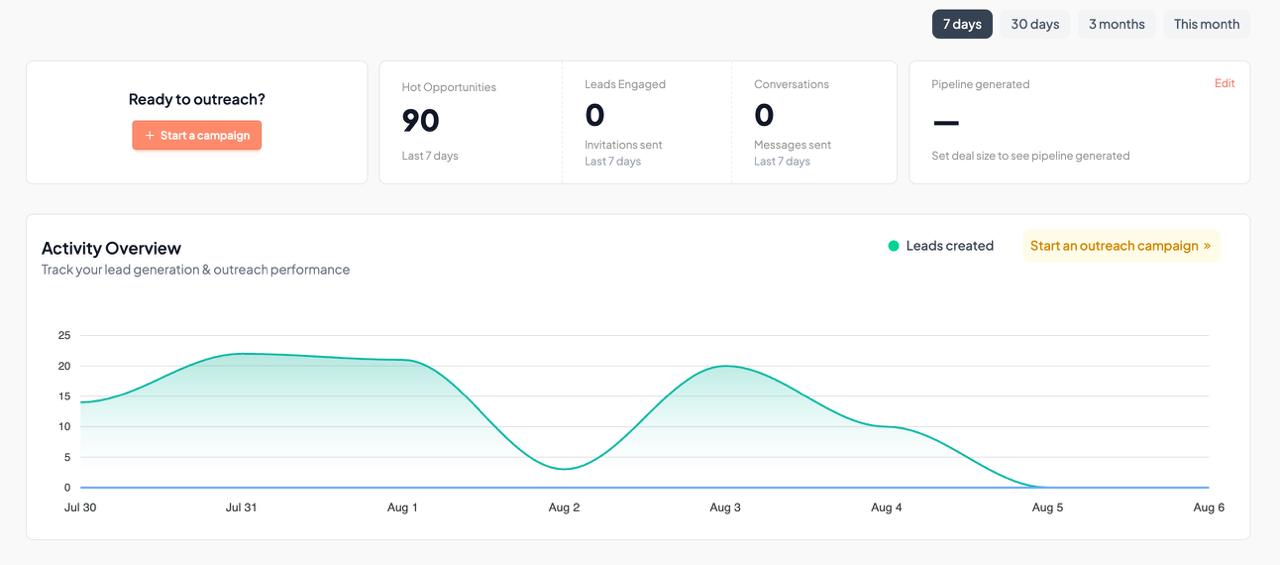
The cheapest way to start and the easiest tool here to pick up. It runs from the browser, the setup takes an afternoon rather than a week, and the free plan is enough to see whether the channel works for you at all before you pay anything.
- ⚡Sequences ready to run out of the box, with almost no configuration
- 💰The lowest entry price of any cloud-adjacent tool on this list
- 📧Email steps and enrichment credits from the higher tiers
Price. Per user, per month: 19 € on Pro, 49 € on Advanced, 69 € on Business. The 19 € tier is socials only, with 25 email credits, so multichannel is a two-tier jump, not a toggle. The full head to head sits in Dripify vs Waalaxy, compared.
Strength. A founder can be running a real campaign the same day, for less than the price of a Dripify seat.
Limit. The entry tier is thinner than it looks, and the price per user climbs quickly once you want the email side.
3. Expandi
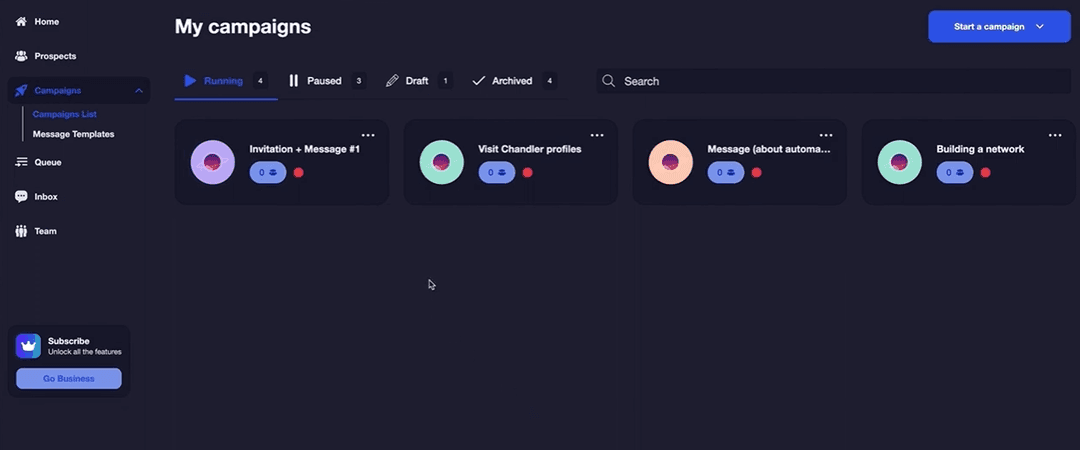
Cloud-based, with a dedicated country-based IP for every connected account. This is the name that comes up most often on this query when account safety is the priority, and it is the reason people pay twice the Dripify entry price for what looks like the same job.
- 🛡️Dedicated IP per account, profile auto warm-up and enforced daily limit ranges
- 🔄Conditional campaign builder with if/then branches
- 📧Email follow-ups inside the same sequence
Price. Per connected account, not per person. Business is $99 a month, or $79 on annual billing, which the vendor prices as two months free. The Agency tier is custom from 10 seats.
Strength. If you have already had one account restricted, the safety architecture is what you are buying, and it is the best argued case on this list.
Limit. The image and video personalisation shown in the marketing needs paid third party add-ons, so the real monthly figure lands well above $99.
4. HeyReach
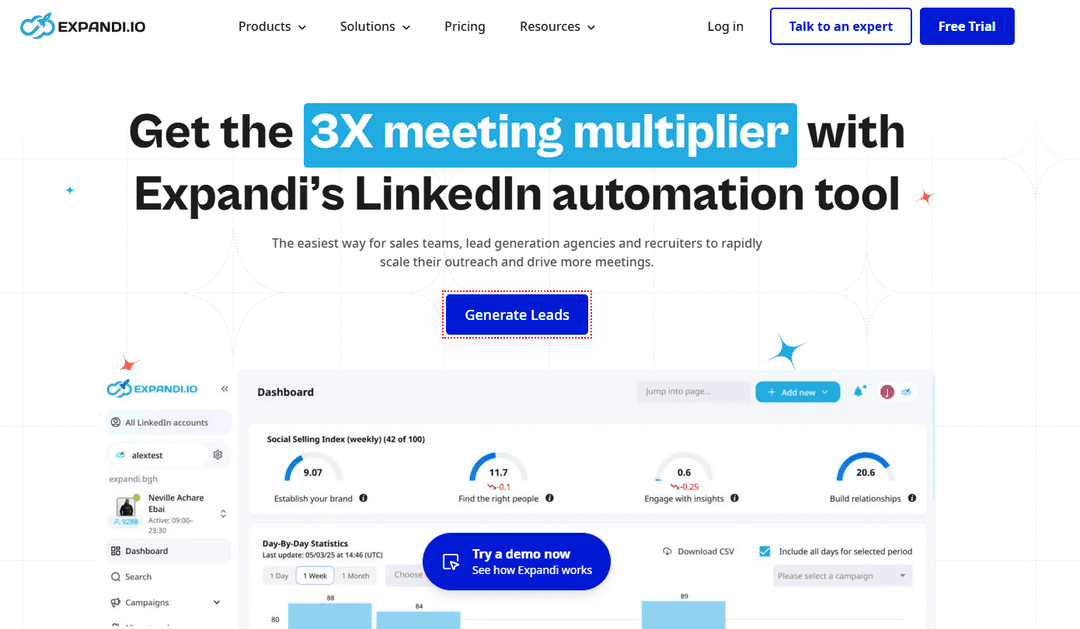
Billed per sender account rather than per person, which is a small sentence with a large consequence: teammates, assistants and client logins cost nothing. Volume rotates across the connected accounts and every reply lands in one shared inbox. This is what agencies pick.
- 🔄Sender rotation across every connected account
- 📥One pooled inbox and separate client workspaces
- 👥Unlimited seats, since only senders are billed
Price. $79 per sender per month, around $59 on an annual commitment. If you want the field around it, we mapped the best HeyReach alternatives in a separate piece.
Strength. Adding a person to the team changes nothing on the invoice, which is the exact opposite of what Dripify does to an agency.
Limit. Per sender billing gets expensive in the other direction. Six connected accounts is $474 a month before anything else.
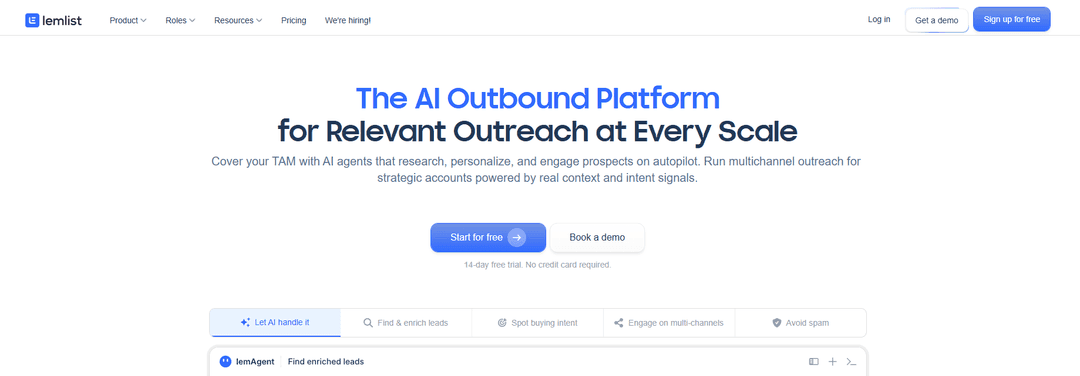
5. Lemlist
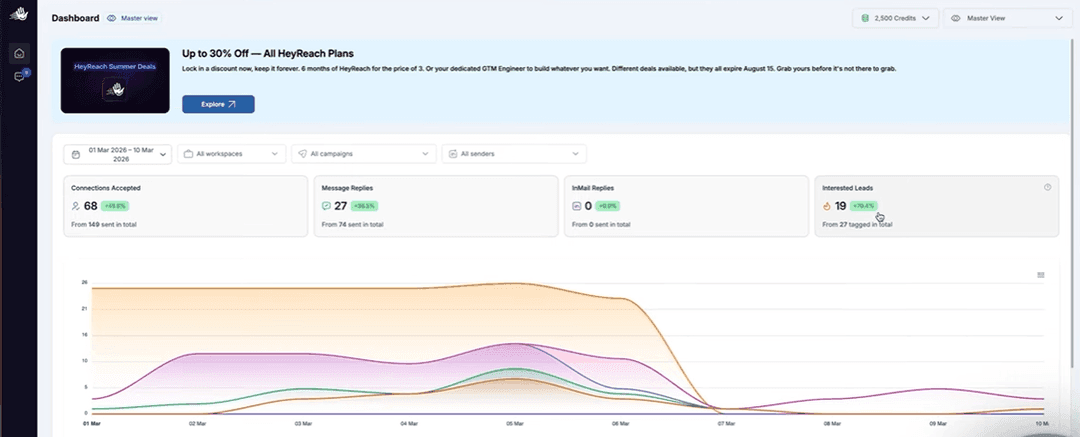
For teams whose messages get replies because of how they are written, not how many go out. Personalisation is the product here: custom variables, personalised images and video thumbnails, with email warmup bundled in rather than sold as an add-on.
- ✍️Image and video personalisation inside the sequence
- 🔥Warmup included rather than billed separately
- 👥Unlimited users on the email plan
Price. $69 a month for the whole workspace on the email plan, with unlimited users, then $109 per user per month once you move to multichannel. The billing model flips at that point, which is the thing to check before you commit. We compared it with the other side of the market in Smartlead vs Lemlist.
Strength. A workspace price with unlimited users makes it the cheapest option here for a four-person team that only needs email.
Limit. Multichannel is per user, so the same four-person team suddenly multiplies by four.
6. Dux-Soup
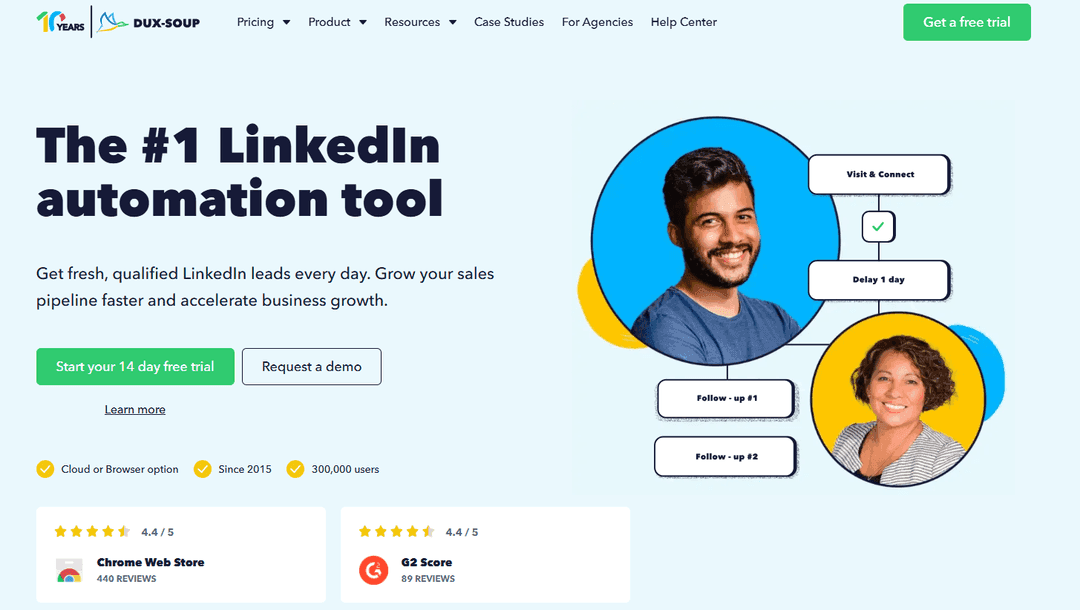
The old hand of the category, running as a browser extension since 2014. Cheap, well documented, and you have to keep the browser open for anything to happen, which is the trade you are making at this price.
- 💰The lowest entry price of any tool here with a real product behind it
- 🛠️Native connections to Salesforce, HubSpot, Pipedrive and Freshsales from Turbo
- ☁️A cloud tier if you want campaigns to keep running with the laptop shut
Price. Per seat, per month: Pro is $14.99, Turbo is $55, Cloud is $99, with roughly 20 percent off on annual billing. Drip campaigns start at Turbo, so Pro is closer to a trial than a plan. The wider field sits in the best Dux-Soup alternatives.
Strength. For light, occasional prospecting it is the cheapest credible entry on this page.
Limit. The two affordable tiers stop the moment you close Chrome, and the cloud tier costs more than Dripify Advanced.
7. Skylead
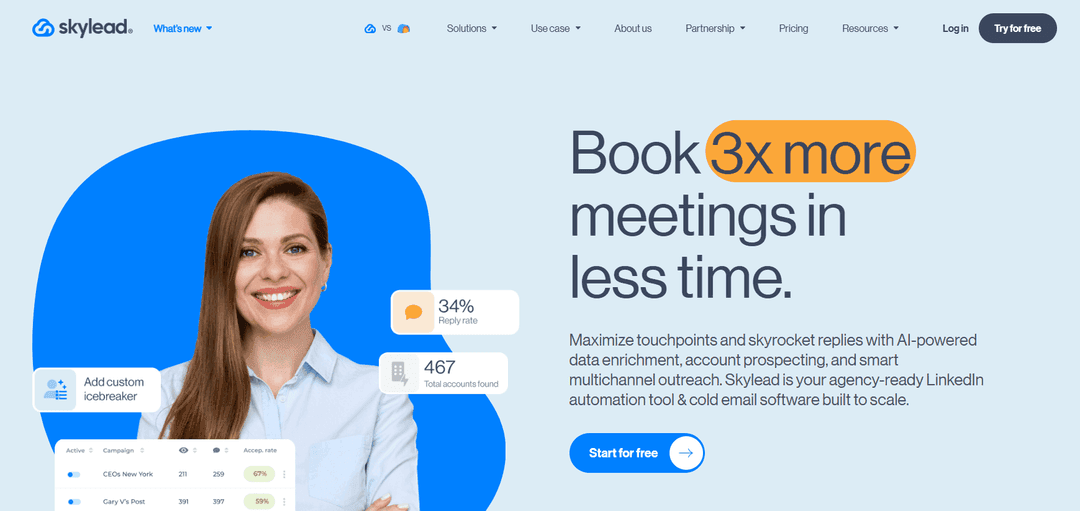
Sequences that adapt to what the prospect does, with socials and email in the same campaign. One flat plan, no feature gating, which means you never discover three months in that the branch you need sits on a higher tier.
- 🔄Smart sequences with if/else branches on prospect behaviour
- 📧Unlimited email accounts, warmup and an email finder included
- 📥One inbox for every conversation across both channels
Price. $100 per seat per month on the All-in-one plan, everything included. Annual is pay ten months and get two free. The agency tier is $999 for 50 seats, or $1,999 for unlimited seats.
Strength. The conditional logic is the best reason on this list to leave a linear tool, and the flat plan means the price you read is the price you pay.
Limit. $100 per seat is steep for one person, and there is no cheaper tier to grow into.
8. MeetAlfred
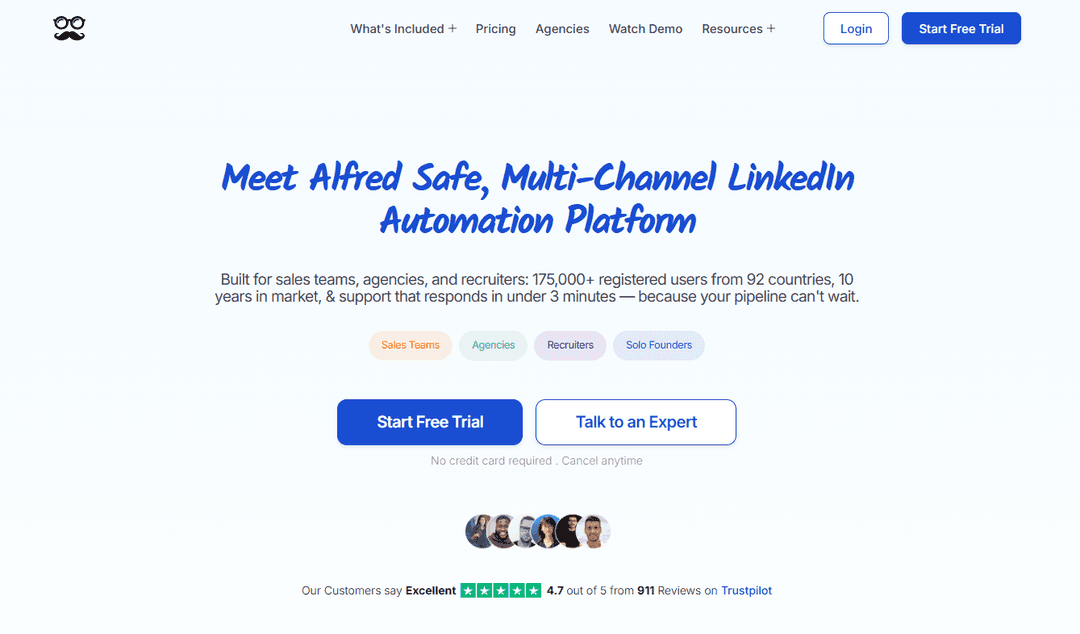
Covers several social networks and email from one dashboard, at the cost of being average at each of them. If your motion genuinely spans LinkedIn, email and X, keeping it in one builder saves a real amount of tab switching.
- 📡LinkedIn, email and X inside the same sequence
- 📋A light CRM and a template library built in
- 🏷️White label from five users on the Team plan
Price. Per user, per month: Basic $59, Pro $99, Team $79. Annual billing halves those to $29, $49 and $39. Sales Navigator support starts at Pro, so the Basic tier is narrower than the price suggests.
Strength. The annual discount is the most aggressive on this page, which makes it cheap for a team that will commit for a year.
Limit. Breadth without depth. Every channel it covers is covered better by a specialist, and the interface shows its age.
9. PhantomBuster
A library of automations you assemble yourself, rather than a campaign tool with a send button. Extract a list from one source, enrich it against another, push the result somewhere else. Strong if someone on the team enjoys building the plumbing.
- 🧩Hundreds of ready-made automations to chain together
- 📊Extraction and enrichment across several platforms, not one
- ⏰Everything metered in execution hours rather than seats
Price. Per workspace: $69 a month on Starter with 20 execution hours, $159 on Pro, $439 on Team. The meter is time, so a badly built chain costs you real money. The alternatives are mapped in the best PhantomBuster alternatives.
Strength. Nothing else here moves data between sources this freely, and the workspace price keeps a small team cheap.
Limit. It is not a replacement for Dripify. It builds and moves the list, then you still need something to run the sequence.
10. Linked Helper
The cheapest option here, running as software installed on your own machine rather than in the cloud. Your own connection, your own IP, your own computer left switched on.
- 💻Desktop app for Windows, Mac and Linux, with an interface unchanged since 2016
- 📋A built-in mini CRM with tags, notes and CSV export
- 💰Sold as a licence for a fixed term, with no auto-renewal
Price. Per licence, one per account: $15 a month on Standard, $45 on Pro, dropping to $8.25 and $24.75 on a twelve-month licence. The cloud storage version costs roughly double. Standard caps advanced actions at 20 a day, so campaigns start at Pro.
Strength. Nothing else gets close on price, and running locally suits people who would rather not hand their session to a cloud service.
Limit. Campaigns stop when the machine sleeps, and there is no shared inbox across accounts.

You shouldn't have to guess who to contact
Gojiberry watches more than 30 buying signals across socials and the web, checks each account against your ICP, and sends you the ones worth writing to.
Get your first leads for freeWhat is Dripify?
Dripify is a cloud tool for LinkedIn drip campaigns. You import a list, drag a sequence together, set the daily quotas and it runs on the vendor's servers rather than in your browser, so the campaign keeps going with your laptop shut. It is built for one person running their own outbound, and the whole product is organised around that: one user, one connected account, one subscription.
What can you do with Dripify?
- 🔄Build drip campaigns from connection requests, messages, InMails, profile visits, follows and endorsements
- ☁️Run them in the cloud, with daily quotas and delays you set yourself
- 📥Answer replies in a dedicated inbox instead of scrolling the native one
- 📊Track the funnel step by step, with A/B testing from the Pro plan
- 📧Find emails, with 100 finder credits included per month on every plan
- 👥Manage a team with roles and shared activity, from the Advanced plan
The pros and cons of Dripify
Where Dripify is strong
- 🏆The sequence builder is the simplest in the category. That is a real strength, not a consolation prize. Most people launch their first campaign in fifteen minutes without reading anything.
- ☁️It runs in the cloud, so nothing depends on your browser staying open.
- 💰The entry price is genuinely low for a cloud tool, at $39 per user per month on annual billing.
- 🛡️Default quotas sit inside sensible ranges, which is the right default for someone new to this.
Where Dripify costs you
- 🧾Basic is capped at one campaign and blocks the integrations, so the real entry plan is Pro.
- 👥The price follows headcount. Three people on Advanced is $237 a month on annual billing, before Sales Navigator.
- 🔗One channel. No native email sending, no enrichment beyond 100 credits, so you need a second tool and a paid search subscription.
- 🔍It never tells you who to write to. The list is your problem, before and after.
How much does Dripify cost?
What it costs once you multiply by your team
Every line above is per user, and one user means one connected account. There is no shared workspace price and no seat discount, so the arithmetic is the whole story.
Three people on Pro is $177 a month on annual billing, $237 month to month. Five people on Advanced is $395 a month on annual billing. Add Sales Navigator, which most teams need for the targeting, and the real figure for five people lands near $900 a month.
And the entry plan is a trap for teams. Basic runs one campaign at a time and blocks the integrations, so anyone doing this seriously moves to Pro inside the first fortnight. Price the tool at $59, not $39.
What do Dripify users think?
Checked on 16 August 2026, with the review counts attached, because a score without a sample size is not information. G2 shows around 4.5 out of 5 across roughly 348 reviews. Capterra sits higher, at 4.7 out of 5 across 476 reviews. Both are healthy numbers on a real sample, and the product is genuinely well liked.
The criticisms reported elsewhere are consistent enough to be worth listing. Setup is considered complex without help, which sits oddly next to the simple builder, and usually means the targeting rather than the sequence. Importing from Sales Navigator gives people trouble. Support is English only, which matters if your team is not. And the price for a small team comes up again and again, since every seat is a full subscription.
Sources and date: prices taken from the vendor's own pricing page, ratings from G2 and Capterra, all checked on 16 August 2026. The G2 figure is approximate and worth reopening by hand, since the site blocks automated access.
Why do people look for a Dripify alternative?
Four reasons come up, and they are not equally serious.
The price follows headcount rather than results
Every seat is a full subscription, and one seat is one connected account. Hire a second rep and the line doubles. There is no workspace price, no seat discount, nothing that rewards the team getting bigger. A competitor is buying ads on this very query with unlimited seats as the argument, which tells you how often this comes up in sales calls.
One channel, so the stack grows around it
Dripify does LinkedIn. There is no native email sending and no enrichment past the 100 finder credits, so a working setup means a second tool for the email side and a paid search subscription for the targeting. The subscription you compare on the pricing page is rarely the subscription you end up paying.
The entry plan is capped at one campaign
Basic runs a single campaign at a time and blocks the integrations. That is enough to test the interface and nothing else, so the upgrade to Pro arrives faster than planned, usually in the second week. Nothing is hidden about it, it is just not what people budget for when they read $39.
And the real one: it sends very well, and it never tells you who to write to
This is the deepest reason and it is not a flaw in the product. No tool on this page decides who goes into the sequence. They all assume you arrived with a list and a reason to write today. When reply rates fall, the instinct is to buy better automation, and better automation applied to a cold list produces more of the same result, faster.
Which Dripify alternative is right for you?
Find the line that sounds like your month, not the column that sounds like your company.
If your shortlist is wider than these ten, the same exercise on a neighbouring query sits in the best LeadIn alternatives, with the prices checked the same way.
Your questions about Dripify alternatives
What is the cheapest Dripify alternative?
Linked Helper, at $15 per month for a Standard licence, dropping to roughly $8.25 on a twelve-month licence. Dux-Soup Pro is next at $14.99 a month, and Waalaxy starts at 19 € per user per month with a free plan to test on.
Cheapest on the sticker is not cheapest in use. Linked Helper Standard caps advanced actions at 20 a day and Dux-Soup Pro has no drip campaigns at all, so the real starting points are $45 and $55 respectively. Waalaxy at 19 € is the least compromised of the three.
Which Dripify alternative is best for agencies?
HeyReach, because of how it bills. $79 per sender account per month, around $59 on annual, and teammates, assistants and client logins cost nothing on top. Rotation across accounts and one pooled inbox are the two features an agency uses every day.
Skylead is the other one worth pricing, at $999 for 50 seats on the agency tier with a white label option. Dripify has no equivalent structure: every account is a full seat at $79 on Advanced, forever.
Does any Dripify alternative do email natively?
Yes, several. Skylead includes unlimited email accounts, warmup and an email finder in its $100 per seat plan. Lemlist is email first at $69 a month per workspace, then $109 per user on multichannel. MeetAlfred covers email from $59 per user per month, and Expandi runs email follow-ups inside the same sequence.
Waalaxy has email steps too, but only from the 49 € tier. The 19 € plan is socials only, with 25 credits.
Is Dripify safe for your account?
It runs in the cloud with daily quotas and randomised delays, and the defaults sit inside ranges that look like normal activity. That is the sensible design, and most people using it at a moderate pace have no trouble.
No tool can promise safety, though, because automation of any kind sits outside LinkedIn's terms. The variables that matter are your volume, the age of the account and how many people ignore your requests. If safety is the whole question for you, Expandi's dedicated IP per account is the stronger architecture.
How do I switch from Dripify without losing my campaigns?
Export two things first, because they are the only two that are yours to take: your prospect lists and your sequence copy. Campaign structures do not transfer between tools, so plan on rebuilding those by hand.
Then let running sequences finish where they are rather than cutting them off mid-flow, and start new ones in the new tool at a low daily volume for the first week. Cancel the old subscription only once a full sequence has completed on the new side and the replies are landing where you expect.
Do I need to replace Dripify, or add something next to it?
Replace it if the problem is the bill or the automation itself: the per user price as the team grows, the one campaign cap, a restricted account, a channel you do not have. Those are tool problems and a different tool solves them.
Add something next to it if the sending is fine and the results are not. Low reply rates on a technically healthy campaign are almost never an automation problem, and swapping tools in that situation moves the same names into a new dashboard and produces the same numbers a month later.
What is the best Dripify alternative for a team of 2 to 10?
It depends which line is hurting. If it is the invoice, HeyReach bills per sender rather than per person and Lemlist's email plan carries unlimited users on a workspace price. If it is safety, Expandi. If it is the channel mix, Skylead.
If it is the reply rate, none of those change anything, and that is our answer: Gojiberry at $99 a month flat, whatever the headcount, deciding who goes into the sequence. Keep the tool you already send with.
Your competitors' customers are moving right now
Someone in your market just changed jobs or started following a competitor. Gojiberry spots it, checks they match your ICP, and writes before anyone else does.
Get your first leads for freeGojiberry vs Dripify: which one brings you leads?
These two are not competing answers to one question. They are answers to two different questions, and it is worth being precise about which one you are asking before you compare a price.
The line that matters: Dripify optimises the sending, Gojiberry optimises the choice of who receives it. Most teams under ten people have already solved the first one. They are sending plenty.
What that looks like in practice, from customers who agreed to be named. Wispra rebuilt its outbound around intent signals and now sources 60 percent of its weekly demos that way. Mindflow moved from spraying its ICP to writing only to accounts that had moved, and reports a 31 percent lift in reply rate. GTE Localize shifted from email outbound to intent-driven outreach and passed 100 meetings booked. Baur Software runs the same motion on a smaller team and doubled its network without losing the personal tone.
Why we built Gojiberry
This started as a problem we had
Before Gojiberry, Roman prospected by hand on socials for Coco.ai. Not running sequences: doing the intent research himself, one browser tab at a time. Watching who had just changed jobs, who had started engaging with the category, who had said something that suggested they had the problem. Then writing to those people with a reason that was true.
It worked, which is the part worth saying plainly, because it is why the product exists. And it did not scale. One person can follow about thirty accounts properly. Past that the method collapses, and what collapses first is the reason for writing. You stop noticing the signal, you keep the cadence, and within a month you are doing mass outreach with a first name variable in it.
Gojiberry is that routine running on its own, which is also why the product assumes a team of two to ten people rather than an enterprise sales floor. It was built for the size of team where nobody has a spare afternoon to rebuild the list.
Want us to find the prospects too?
Tell Gojiberry who you sell to and it starts finding companies showing buying signals. Keep your sending tool, we handle the who.
Get your first leads for free
Your next 10 customers are already out there.
Let your agent find them.
Free Trial · Live in 5 minutes · Cancel anytime